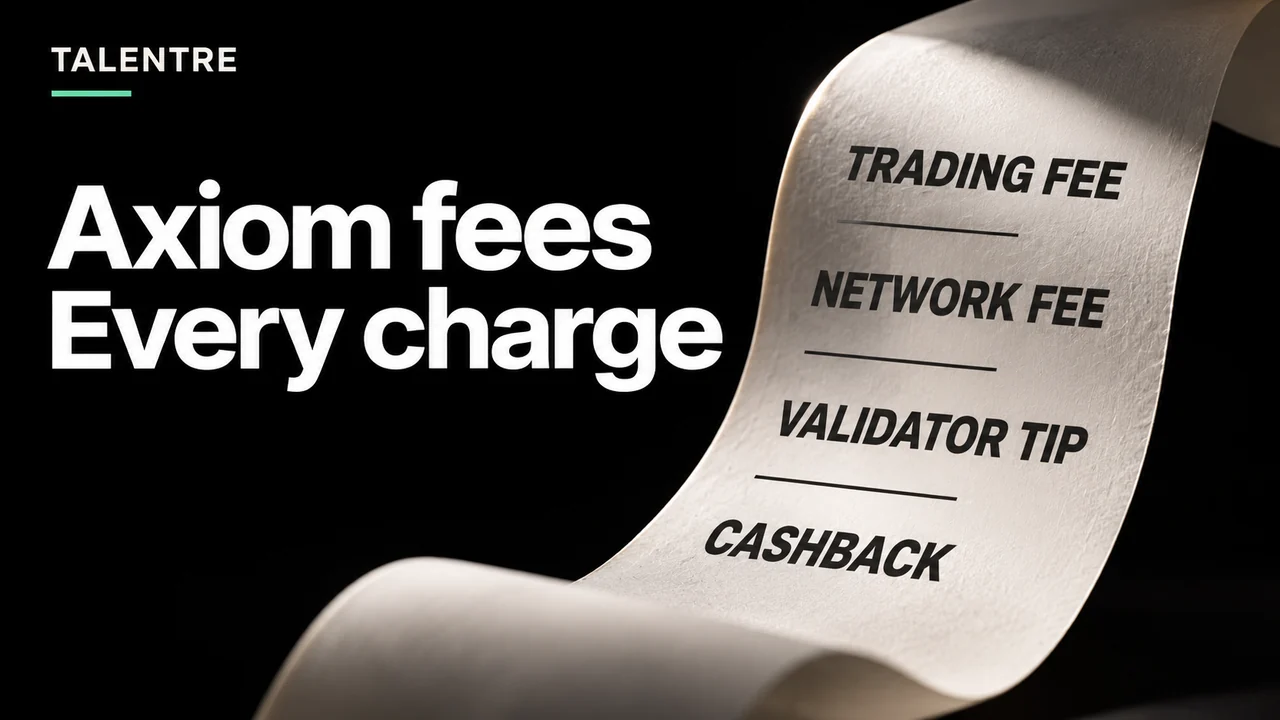
Axiom’s published net trading fees range from 0.95% to 0.75%. Network fees and validator tips are separate. Here is how to check each charge against your transaction and cashback.
In this article
The published Axiom fee tiers
Axiom’s fee schedule lists seven tiers. The table below reproduces the numerical rates checked on 4 November 2026. The net column already accounts for the cashback shown beside it.
| Tier | Net fee | Cashback |
|---|---|---|
| Wood | 0.95% | 0.05% |
| Bronze | 0.90% | 0.10% |
| Silver | 0.875% | 0.125% |
| Gold | 0.85% | 0.15% |
| Platinum | 0.825% | 0.175% |
| Diamond | 0.80% | 0.20% |
| Champion | 0.75% | 0.25% |
Cashback is paid in SOL, and the multiplier grows with total trading volume. Do not subtract cashback a second time from a rate already described as net. Check your account’s applicable tier rather than using the lowest advertised rate in every calculation.
Priority fees and bribes are separate settings
Axiom’s Solana settings documentation lists a default of 0.001 for the priority fee and 0.001 for the bribe. These are SOL-denominated settings, not percentages of the position. The documentation also describes recommendations calculated from current network activity. Your saved preset can differ.
This distinction explains why a small trade can feel expensive even when its percentage fee looks modest. A fixed SOL amount becomes a larger fraction of a smaller order. Inspect buy and sell settings separately; do not infer the exit’s settings from the entry.
The Solana fee model distinguishes the base fee, currently 5,000 lamports per signature, from an optional priority fee. When reconciling an explorer record, the transaction’s reported network fee can already contain that priority charge. Adding your preset again would count it twice. A separate validator-tip transfer needs its own accounting.
Measure the entry and exit independently
A buy and its later sell need not have the same notional value, route, network conditions or settings. Calculate each side from its own record. A flat round-trip percentage is incomplete when either the position’s value or the per-transaction charges have changed.
Use a consistent denomination and distinguish the amount charged from rewards subsequently credited. Keep these fields for each side:
- Transaction signature and confirmed execution time.
- Input and final output token amounts, identified by their mint addresses.
- Platform charge and any fee already incorporated in the quoted output.
- Reported network fee and separately identifiable tip transfers.
- Cashback credited, its currency and the trade it belongs to.
Comparing only the wallet’s USD value before and after a trade mixes costs with market movement. Reconcile token quantities first. If converting to USD, preserve the valuation time and price source for every conversion.
A referral discount is not a discount on every cost
Axiom’s referral documentation describes a starting trading fee of 1% before adjustments and a 10% trading-fee discount for eligible referred signups. This does not mean a ten-percentage-point reduction, nor does it establish a discount on Solana network costs.
The referral and tier pages describe different parts of the reward system. They do not provide a universal worked settlement rule covering every promotion and account. Do not stack percentages into a claimed effective rate without checking the actual disclosure and credited result. This article contains no referral link or affiliate signup offer.
A lower output is not automatically another fee
Price impact changes the exchange rate available for your order. Slippage measures the difference between the quoted and executed result. Neither is the same as a percentage charge collected by the terminal. Our slippage and price-impact guide shows how to keep those measurements separate, with retained Jupiter quote observations.
A wallet balance change can also include account funding. Solana accounts require a rent-exempt balance, and eligible closed token accounts can return their remaining lamports. The account model and close-account documentation explain these movements. An account deposit is not necessarily a permanent platform fee; a returned balance is not trading profit.
For a disputed charge, retain the signature and the fee disclosure associated with the order. An old preset screenshot alone cannot prove what a later transaction paid. Never send a seed phrase or private key with a support request.
Compare terminals using the same trade
Use the same network, exact mint, direction and intended input when comparing services. Check quoted output and separately displayed charges at nearby times. Record whether the headline rate assumes cashback, referral eligibility or a trading-volume tier.
Talentre’s published platform fee is under 1%. Its exact applicable rate, network charges and route costs should still be read from the current disclosure. The Talentre, Padre and Axiom comparison brings the product scopes and published fee terms together. A rate bound alone does not establish the cheapest execution for every order.
Frequently asked questions
Does Axiom charge fees on both buys and sells?
Treat the buy and sell as separate trades. Calculate each platform charge using that side’s notional and applicable rate, then reconcile network fees, tips and credited rewards separately.
Why are Axiom fees high on small trades?
A fixed priority fee or validator tip represents a larger share of a small order. Check the SOL amounts in the active preset as well as the percentage trading fee. Slippage and price impact can also change the result without being an additional platform charge.
Are priority fees and bribes included in Axiom’s trading fee?
They are separate settings. When checking a completed transaction, avoid adding priority fees twice if they are already included in the explorer’s reported network fee; identify any separate tip transfer independently.
Should I subtract cashback from the published net fee?
No. The published net fee already reflects its accompanying cashback amount. Keep the actual charge and credited reward as separate entries when checking your own transaction.
Questions or corrections? Contact the Talentre team.